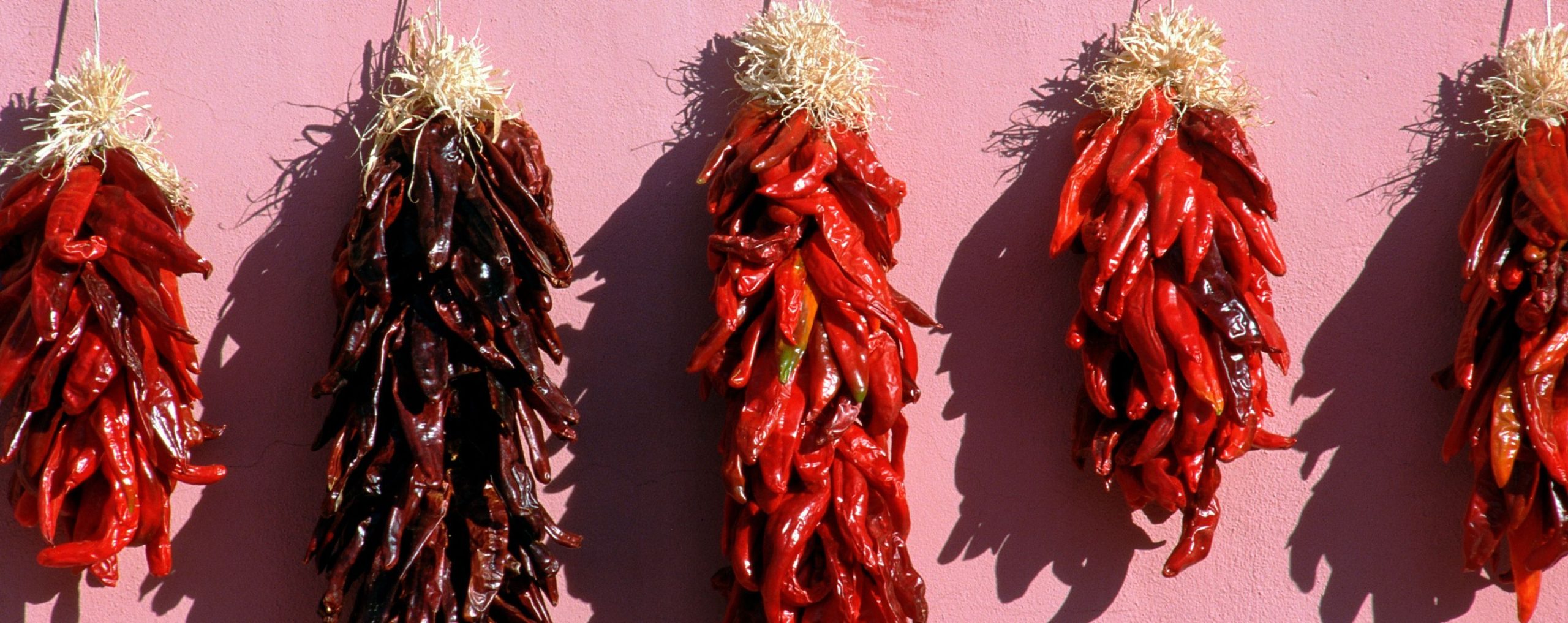
A group of ristras hanging in Albuquerque, New Mexico. Photo courtesy of Albuquerque Convention Center.
Welcome to AFS!
Folklore is our cultural DNA. It includes the traditional art, stories, knowledge, and practices of a people. While folklore can be bound up in memory and histories, folklore is also tied to vibrant living traditions and creative expression today. Folklore adapts, and folklore endures.
Since 1888, the American Folklore Society has served the people and organizations engaged in understanding and advancing the field of folklore. We are proud to carry on this tradition as we face the needs of the 21st century.
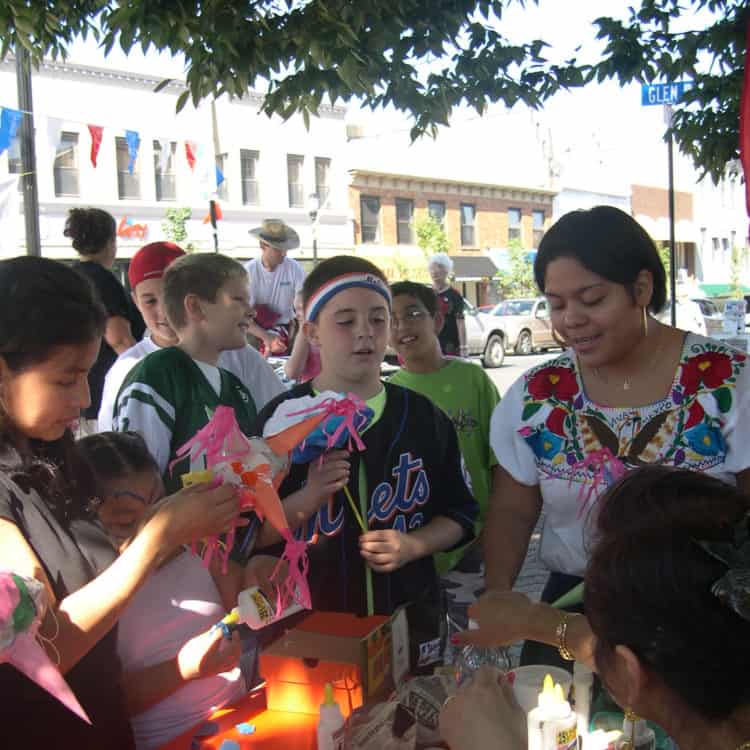
Folklore Works
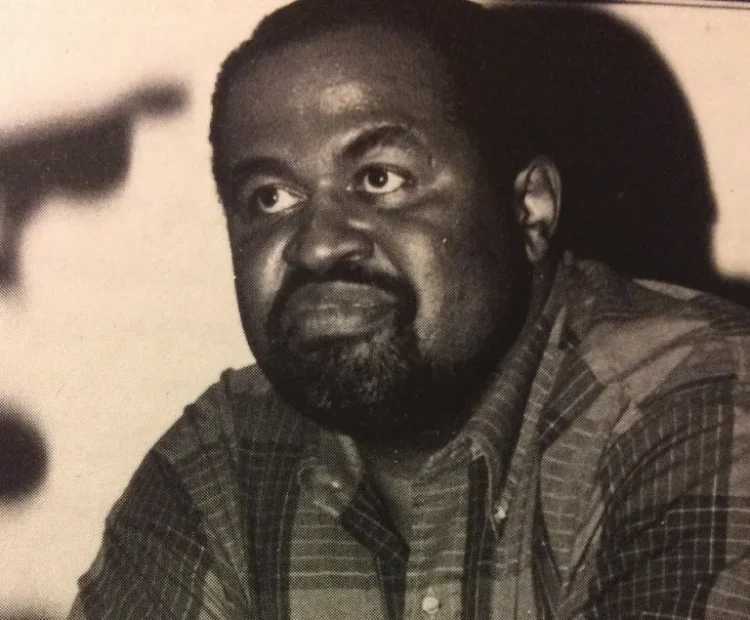
AFS Davis Project Pathway Awards Granted
The AFS Cultural Diversity Committee is proud to announce the recipients of the inaugural Gerald L. Davis Project Pathway Award, which provides funding for projects contributing to community scholarship in action, and that keep communities connected, whole, and active.
Join Us
Join our network! Find your people, make connections, and keep track of developments in our field via our membership site.
Member Portal
Welcome back, members! Login to our member site for access to your membership profile, account services, and benefits.
Our Community
The American Folklore Society is an international professional network serving the field of folklore, open to anyone working to understand or advance folk and traditional arts and the communities that sustain them. Our strength lives in our members, as we work to support them, their work, and our field.
Sections
The American Folklore Society is home to more than 30 groups that serve as gathering places for special interests.
I believe that the study of folklore is a crucial way to understand human beings and their cultures, and the American Folklore Society will help keep the field of folklore healthy.
Elaine Thatcher
-
Our Work
The American Folklore Society manages a number of publications, projects, and programs serving our mission to strengthen, support, and increase understanding of the field of folklore.
More about our work -
Journal of American Folklore
Our quarterly journal is one of the oldest and most respected folklore journals in the world, featuring work that engages with the broad field of folklore across academic, public, and applied works.
-
Annual Meeting
The AFS annual meeting is the largest single gathering of folklorists in the world, where we gather to exchange work and ideas, and to create and strengthen friendships and working relationships.
-
Prizes
AFS recognizes outstanding achievement by awarding seven major prizes and numerous awards in specific subject areas. Taken together, the recipients of these prizes embody excellence in many forms of folklorists' work.
-
China-US Folklore and Intangible Cultural Heritage Project
Since 2007, this project has united scholars from the large and energetic folklore studies communities in China and the United States to share knowledge around the diverse work in and around the folk and traditional arts.
-
National Folklore Archives Initiative
This AFS-coordinated effort documents and provides access to information about folklore archival collections held by folklore programs at a variety of institutions and organizations in the United States.
-
Veterans Oral History Workshops
AFS partners in this project to bring experienced folklorists and oral historians to lead workshops to teach the interviewing skills needed to document the stories of US war veterans.

Spread the Word!
One of the most powerful ways to get involved is by becoming an advocate for the field and sharing all the wonderful things we do as folklorists and cultural practitioners.